Home / Components / Tether Menu
Tether Menu: A Floating Services Menu for Framer
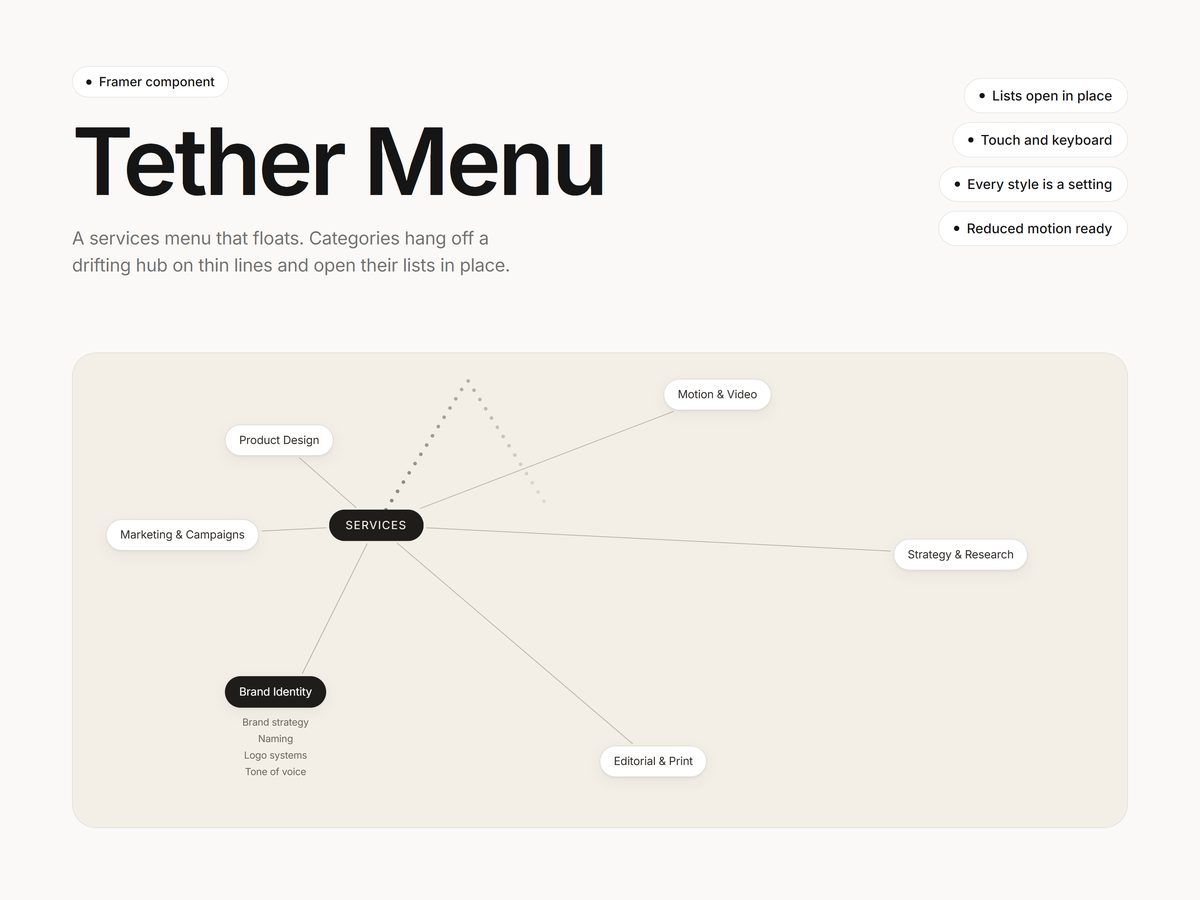
A services menu that floats. A hub label drifts and bounces around the frame, and every category hangs off it on a thin line.
$12One-time purchase
Updated October 23, 2026 · Questions: info@shashankthigale.com
About
What Tether Menu does
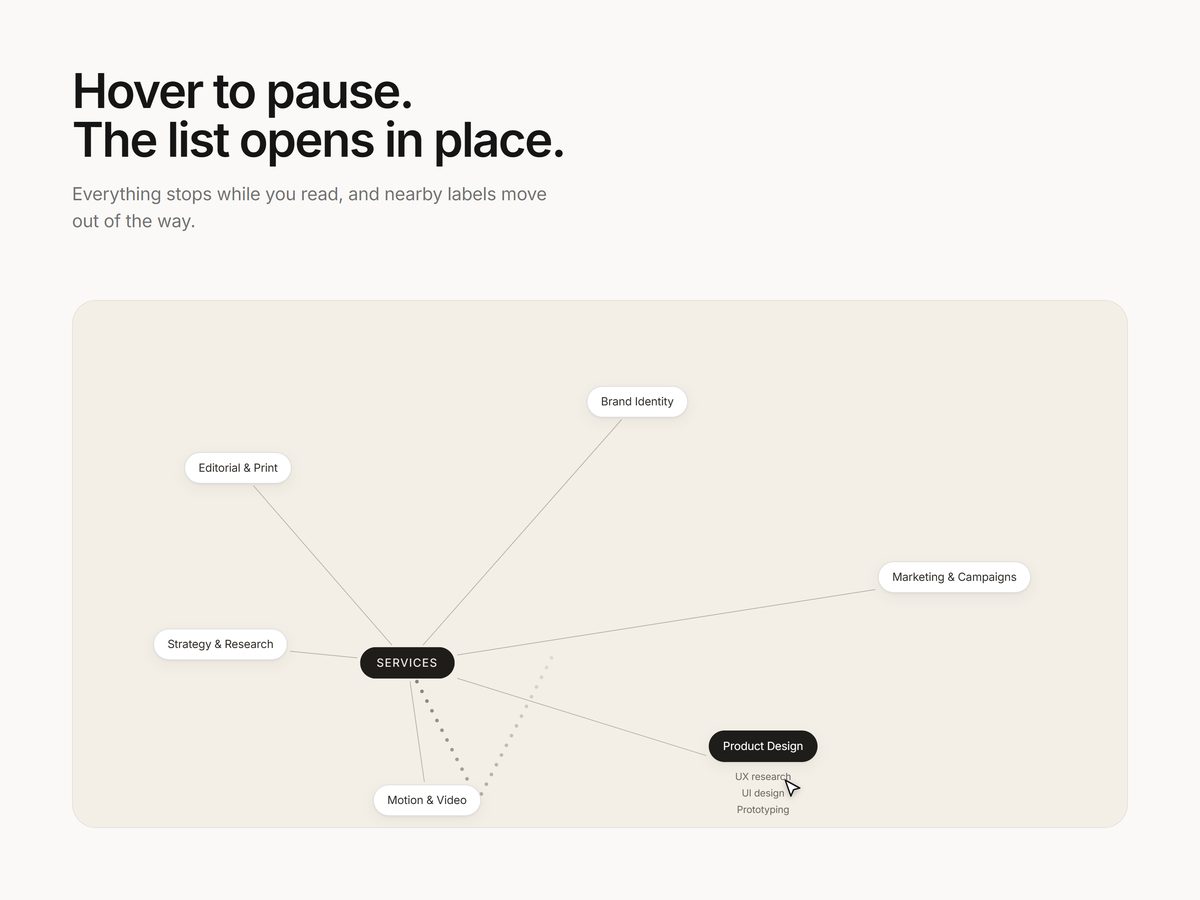
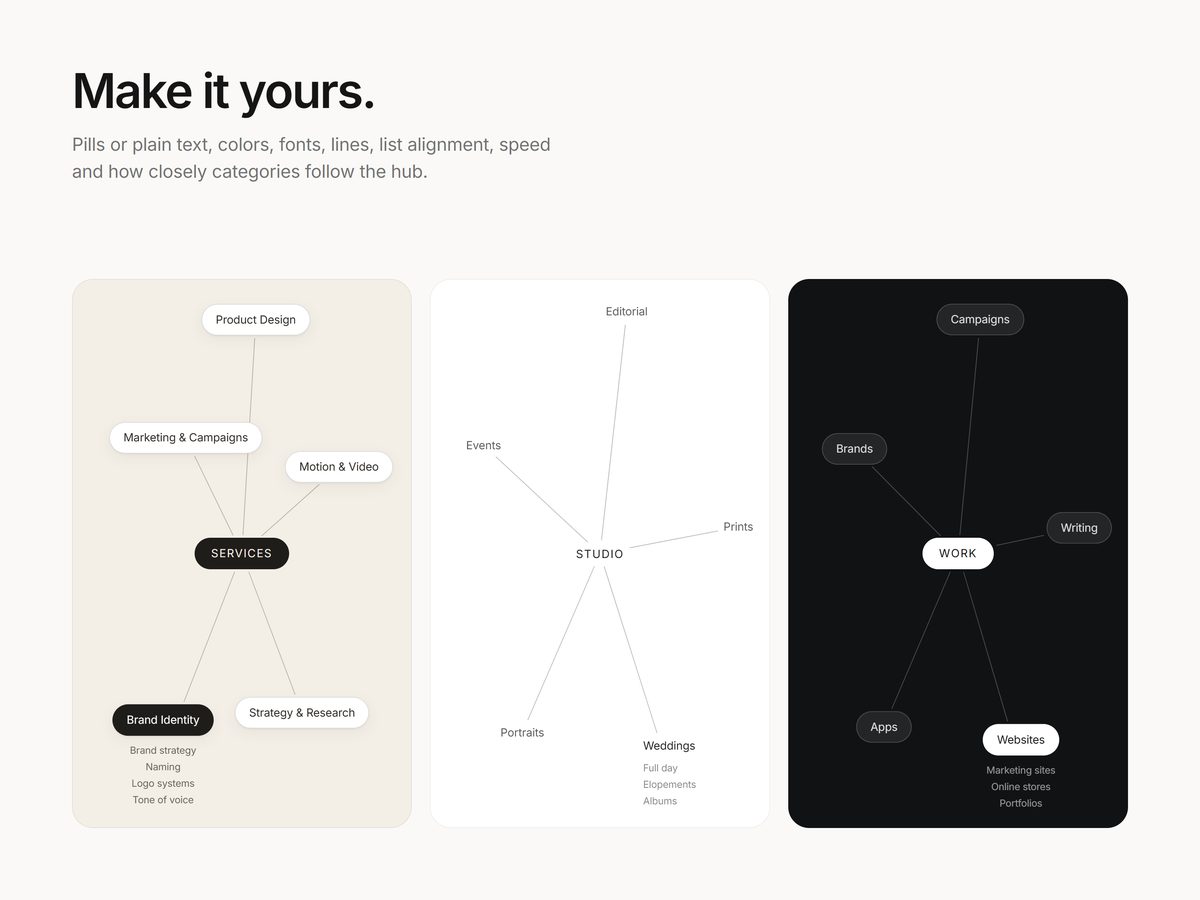
Hover a category to pause everything and open its list of links right underneath. By default the categories are white pills on a warm beige background, with a dark pill for the hub, and you can switch the pills off for plain text.
Labels never overlap and stay inside the frame. Every style and motion setting is in Framer's properties panel.
Settings
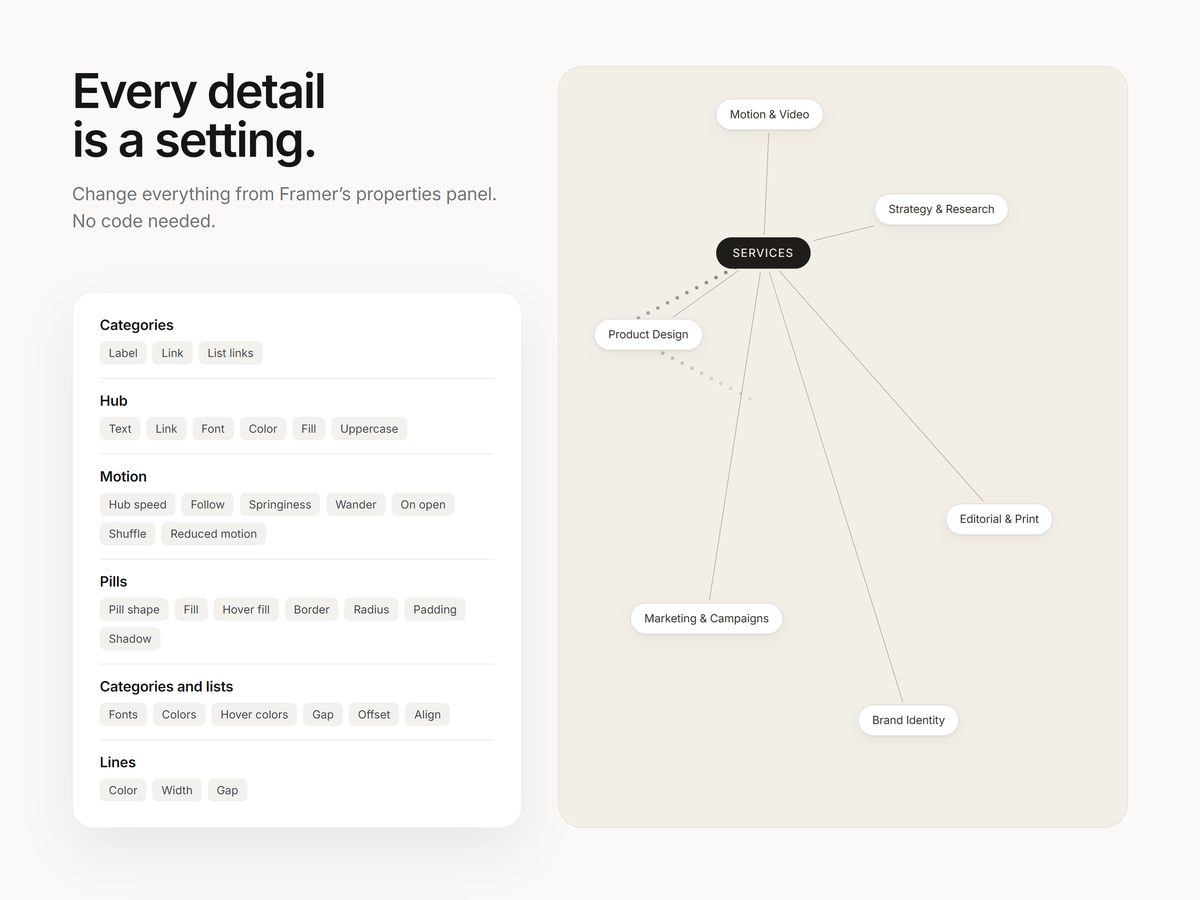
Everything is a setting
- Categories: a label, link and list of sub-links for each one
- Hub: text, link, font, color, fill and uppercase
- Pills: pill shape on or off, fill, hover fill, border, radius, padding and shadow
- Motion: hub speed, how closely categories follow, springiness, wander, pause on open, and new layouts with one click
- Text: fonts, colors and hover colors for categories and lists, plus list spacing and alignment
- Lines: color, width and the gap at each end
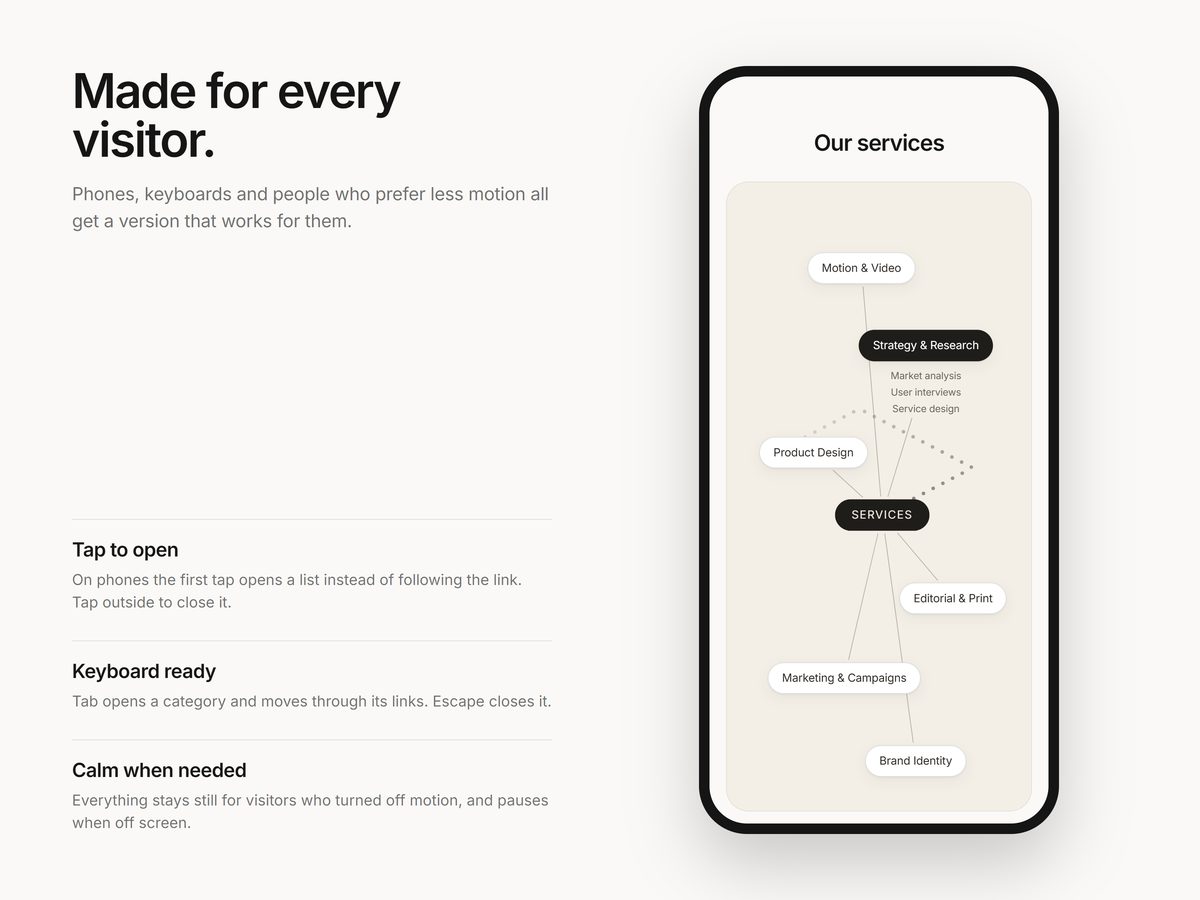
- Works with touch (the first tap opens a list) and a keyboard, respects reduced motion and pauses when off screen
Screenshots
A closer look
Details
At a glance
| Type | Framer code component |
|---|---|
| Settings | All in the properties panel |
| Works with | Mouse, touch and keyboard |
| Delivery | Instant link to add it to any Framer project |
| License | Any number of your own or client projects |
| Last updated | October 23, 2026 |
FAQ
Questions
How do I add it to my site?
After checkout you get a link on screen and by email. Copy it, paste it onto your Framer canvas, and the component appears with all its settings in the properties panel. No code needed.
Can I use it in client projects?
Yes. Components can be used in any number of your own or client projects. Reselling or sharing the component or its link isn't allowed.
Does it work on phones and with a keyboard?
Yes. It responds to taps on phones, can be used with a keyboard, and respects the reduced motion setting. It also pauses when it's off screen.
What if something doesn't work?
Email info@shashankthigale.com and I'll fix it. If it doesn't work as described and I can't fix it, you get a full refund within 14 days of purchase. The refund policy has the details.
More