Template creators
Selling on the Framer Marketplace? Check every page before you submit, and again before each update you send for review.
Home / Template QA
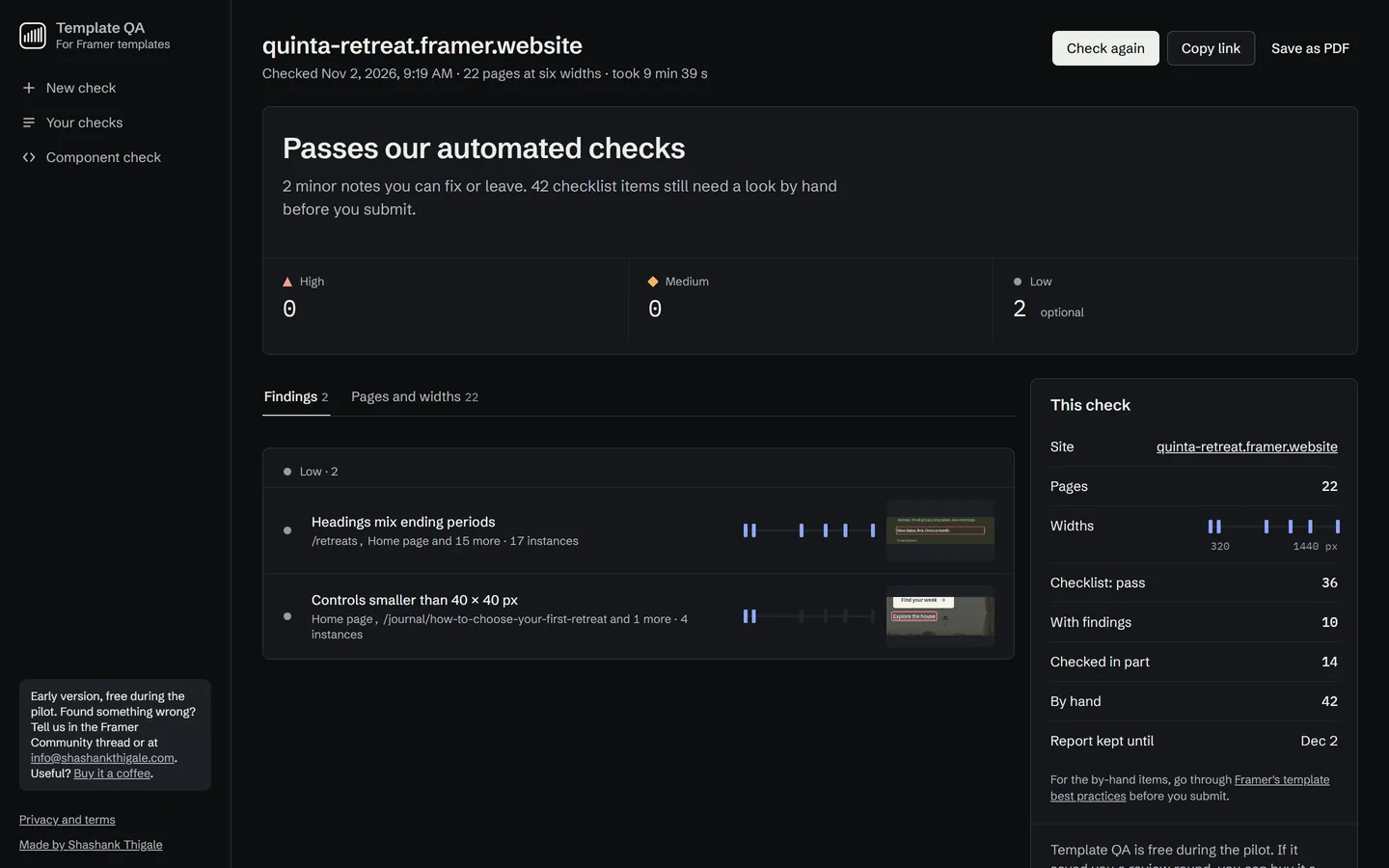
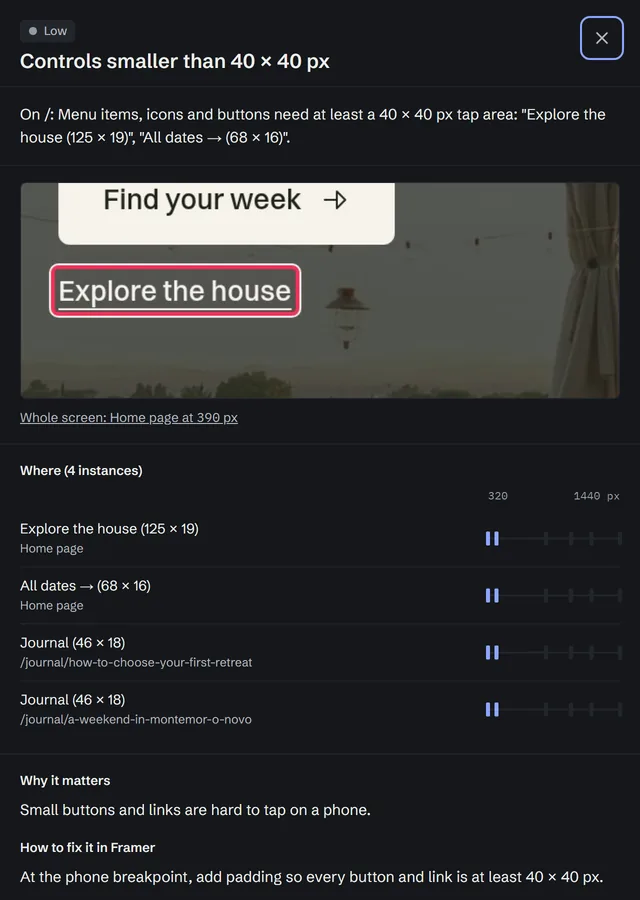
I built Template QA to check my own templates before I submit them to the Framer Marketplace, and it works just as well on a client or company site before handover. Give it a published Framer site and it opens every page at seven screen widths, from a phone to a 2560 px monitor, then reports each problem with a screenshot and how to fix it in Framer. It's free during an invite-only pilot.
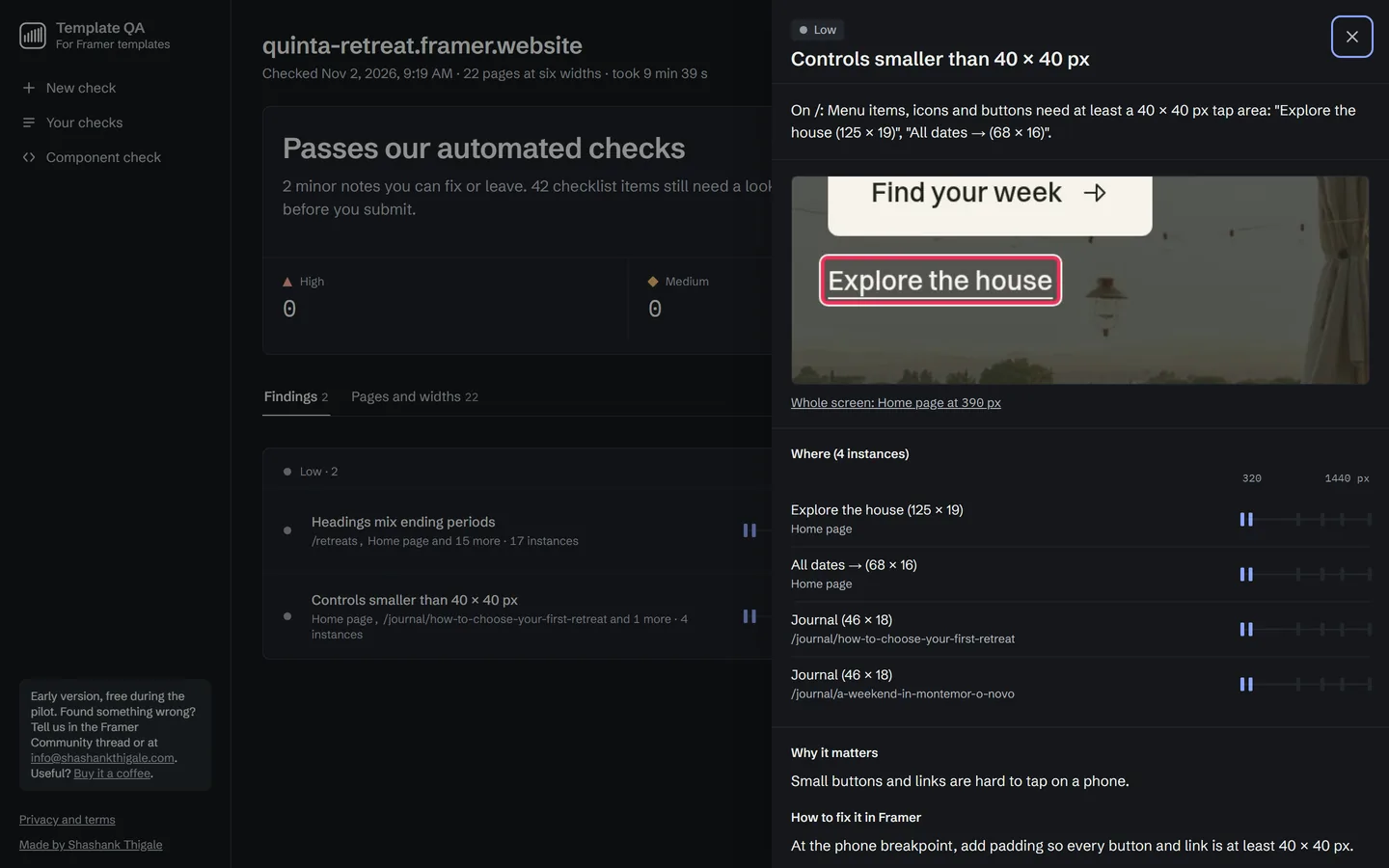
Selling on the Framer Marketplace? Check every page before you submit, and again before each update you send for review.
Run it on a client site before handover, so the phone layouts, contrast and links are right on launch day. Pick "client or company site" and the Marketplace-only rules are left out. How it works for client sites
The component check reads a Framer code component's source for problems that trip up Framer's code review and server rendering, before you upload it.
If Framer took a template down, the report lists what it can find, with the most serious problems first, so you know where to start.
On Oct 29, Framer removed four of my templates from the Marketplace. I fixed them and all four were relisted within days, but finding the problems meant opening every page at every width by hand.
Template QA is the checker I wrote for that job. It's the same one I run on my own templates before I submit them, and it now runs in the cloud so other Framer creators can use it too.
It runs one check at a time while it's a pilot, so it's invite only for now. Codes are free.
Email me the site you'd like to check and I'll send a free invite code.
Paste the published address, not the editor link, on Template QA.
About 1 minute for one page, about 10 for 20. Every finding has a screenshot.
Follow the fix for each finding, publish, then check again.
Try it
Template QA is free during the pilot. Email me the site you'd like to check and I'll send you an invite code, usually within a day. Questions about how it works are answered on Template QA itself.