Home / Components / Bouncing Logo Screensaver
Bouncing Logo Screensaver: Free Framer Component
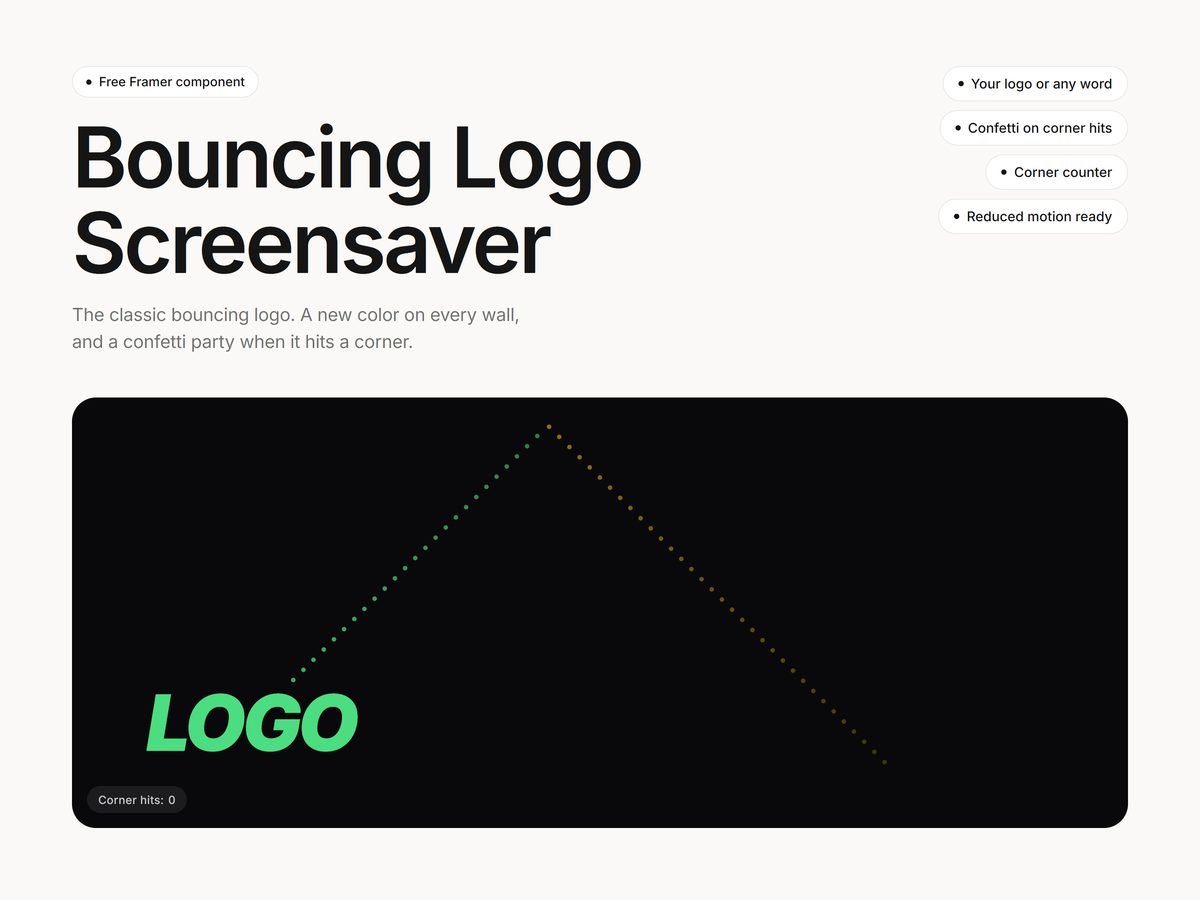
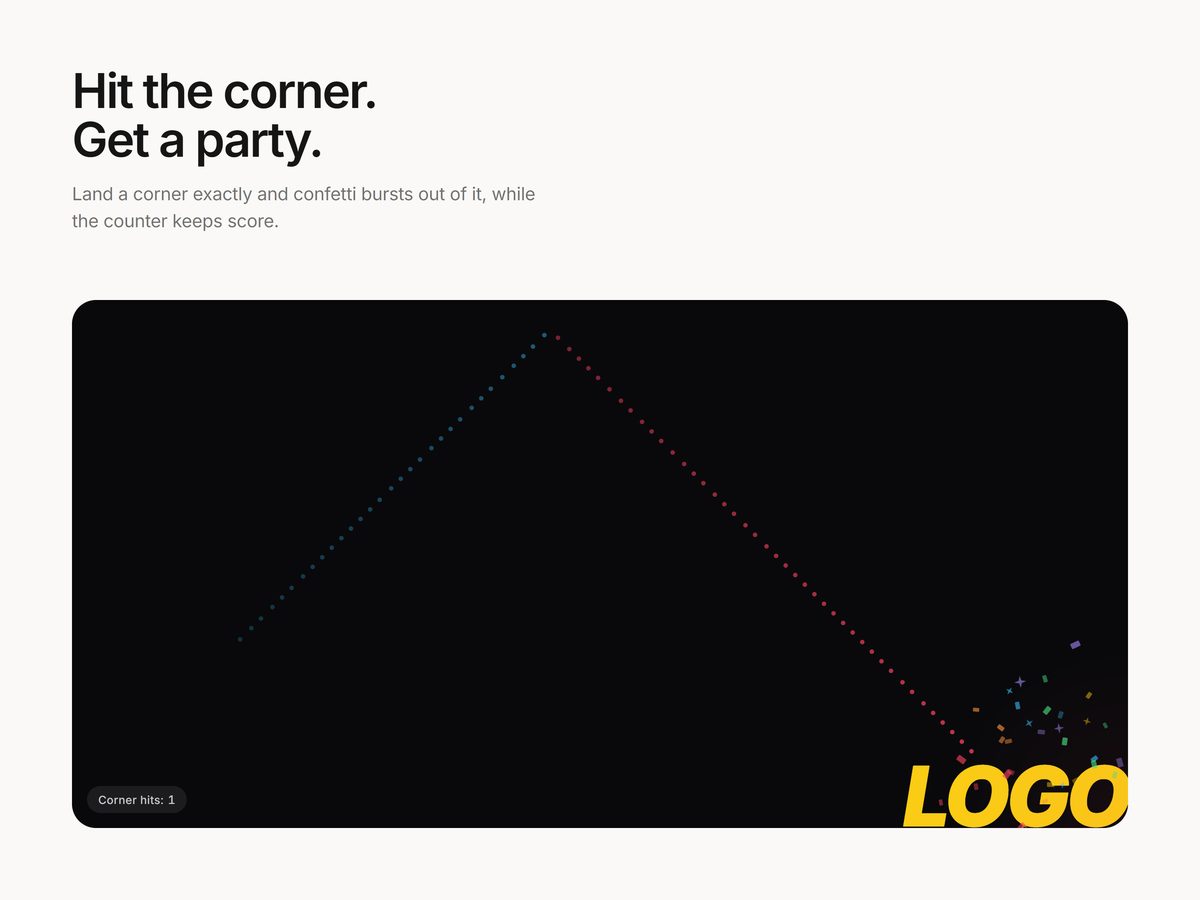
The classic DVD-style bouncing logo, free. Your logo or any word drifts around the frame, changes color at every wall, and throws confetti when it lands exactly in a corner.
FreePaste the link onto a Framer canvas
Updated October 23, 2026 · Questions: info@shashankthigale.com
About
What Bouncing Logo Screensaver does
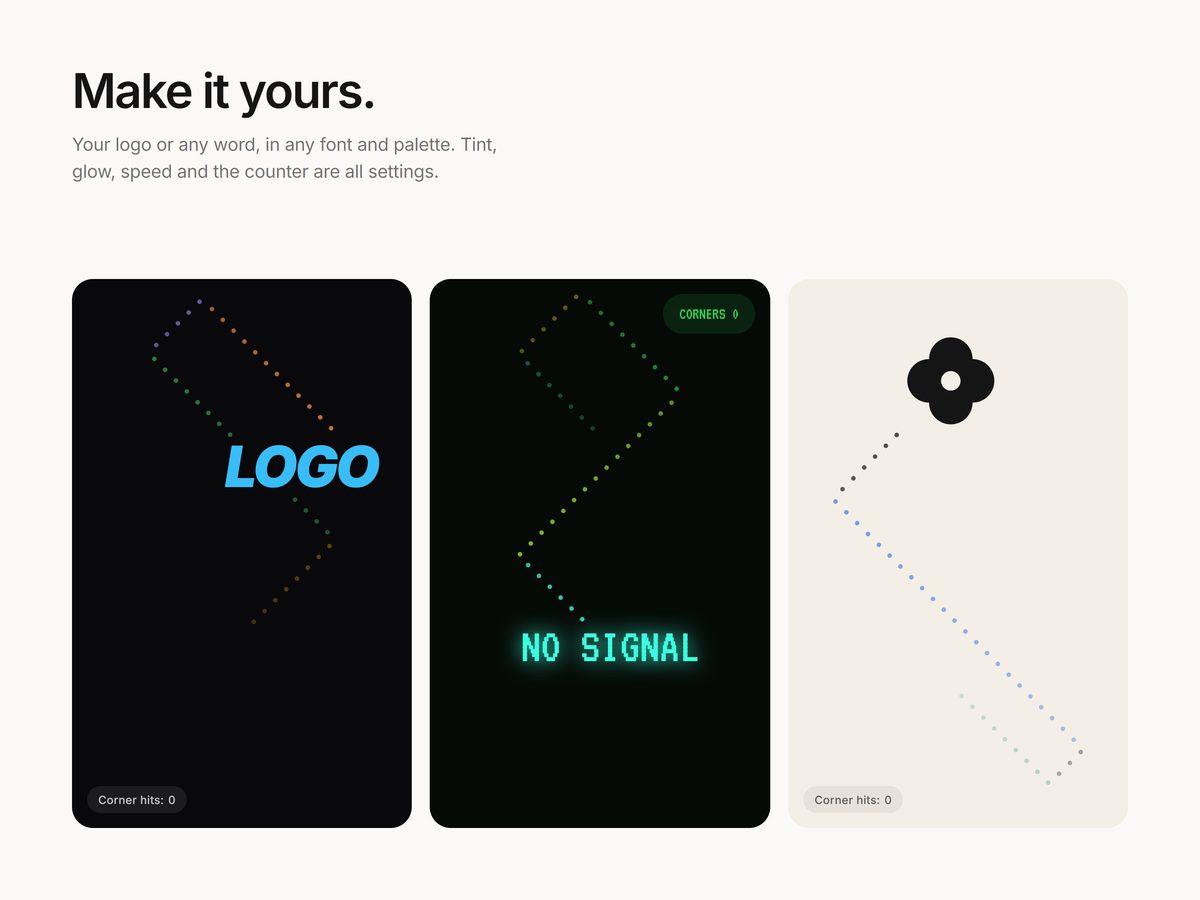
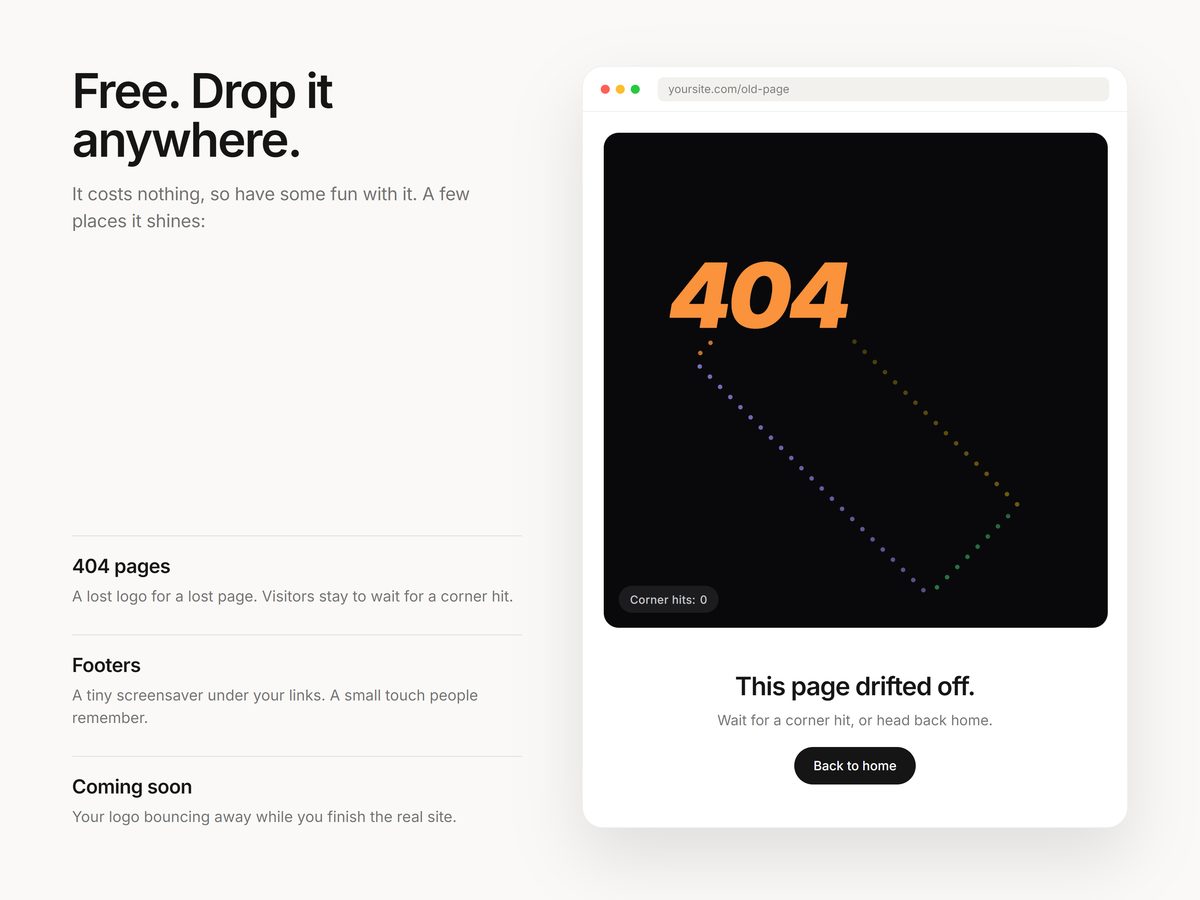
Made for 404 and coming soon pages. Use your own logo image, which can take on each new color or keep its own, or type any word.
A corner counter keeps score, and it respects reduced motion. Use the Copy link button at the top of this page, then paste the link onto your Framer canvas.
Settings
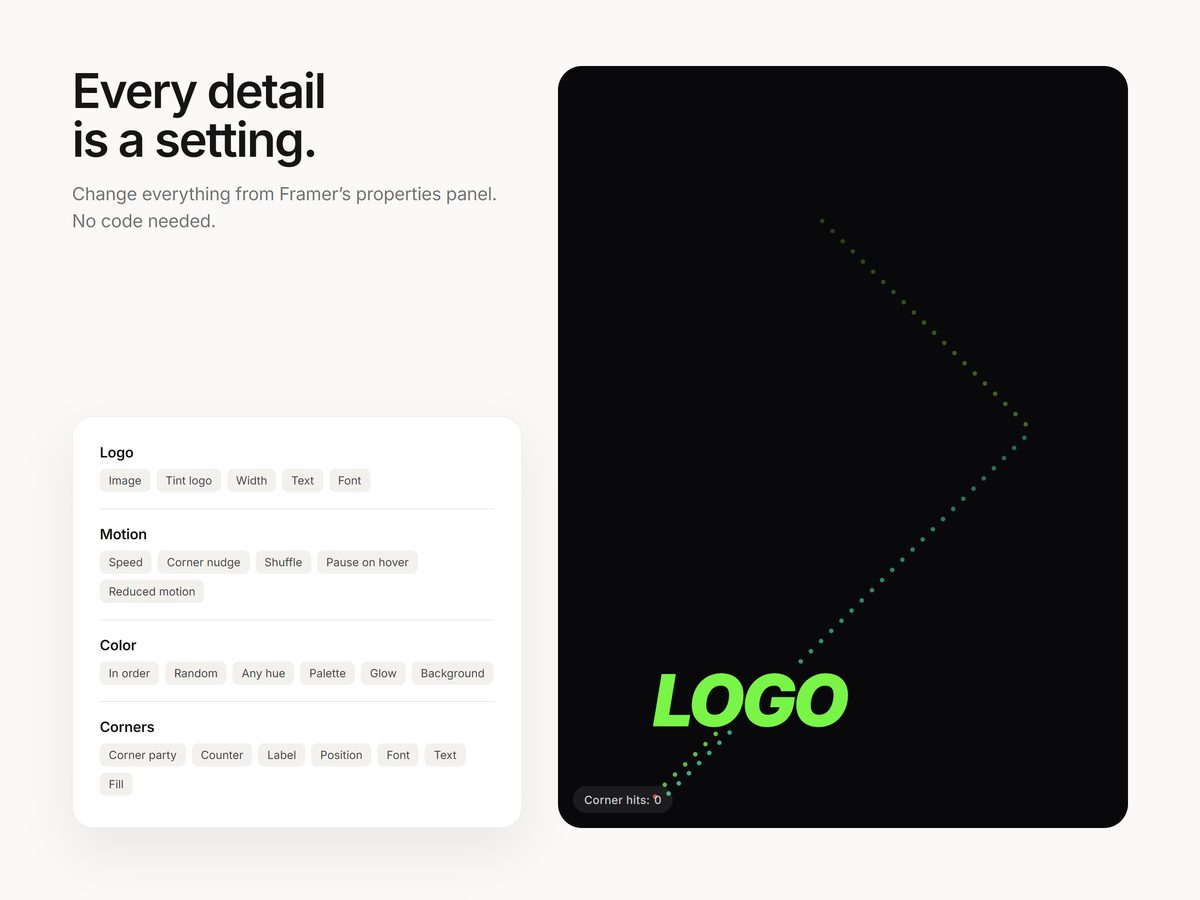
Everything is a setting
- Your logo image or any text, in any font
- Colors in order, at random, any hue, or your own palette, plus an optional glow and background
- Confetti when the logo hits a corner, and an optional corner counter
- Speed and a gentle steer toward corners, so corner hits happen now and then
- Respects reduced motion and pauses when off screen
Screenshots
A closer look
Details
At a glance
| Type | Framer code component |
|---|---|
| Price | Free |
| Settings | All in the properties panel |
| Delivery | Copy the link and paste it onto a Framer canvas |
| License | Any number of your own or client projects |
| Last updated | October 23, 2026 |
FAQ
Questions
How do I add it to my site?
After checkout you get a link on screen and by email. Copy it, paste it onto your Framer canvas, and the component appears with all its settings in the properties panel. No code needed.
Can I use it in client projects?
Yes. Components can be used in any number of your own or client projects. Reselling or sharing the component or its link isn't allowed.
Does it work on phones and with a keyboard?
Yes. It responds to taps on phones, can be used with a keyboard, and respects the reduced motion setting. It also pauses when it's off screen.
Is it really free?
Yes. Copy the link, paste it onto your Framer canvas and use it on any number of sites. Questions go to info@shashankthigale.com.
More